
Run agents anywhere
Run agents locally on your machine or remotely in isolated environments. OpenStation provides the execution and security layer around the agent while keeping the underlying agent runtime flexible.
How it runs →Take your Claude, Codex or another agent and run it locally or remotely—with tools, memory, and connections to keep working together.
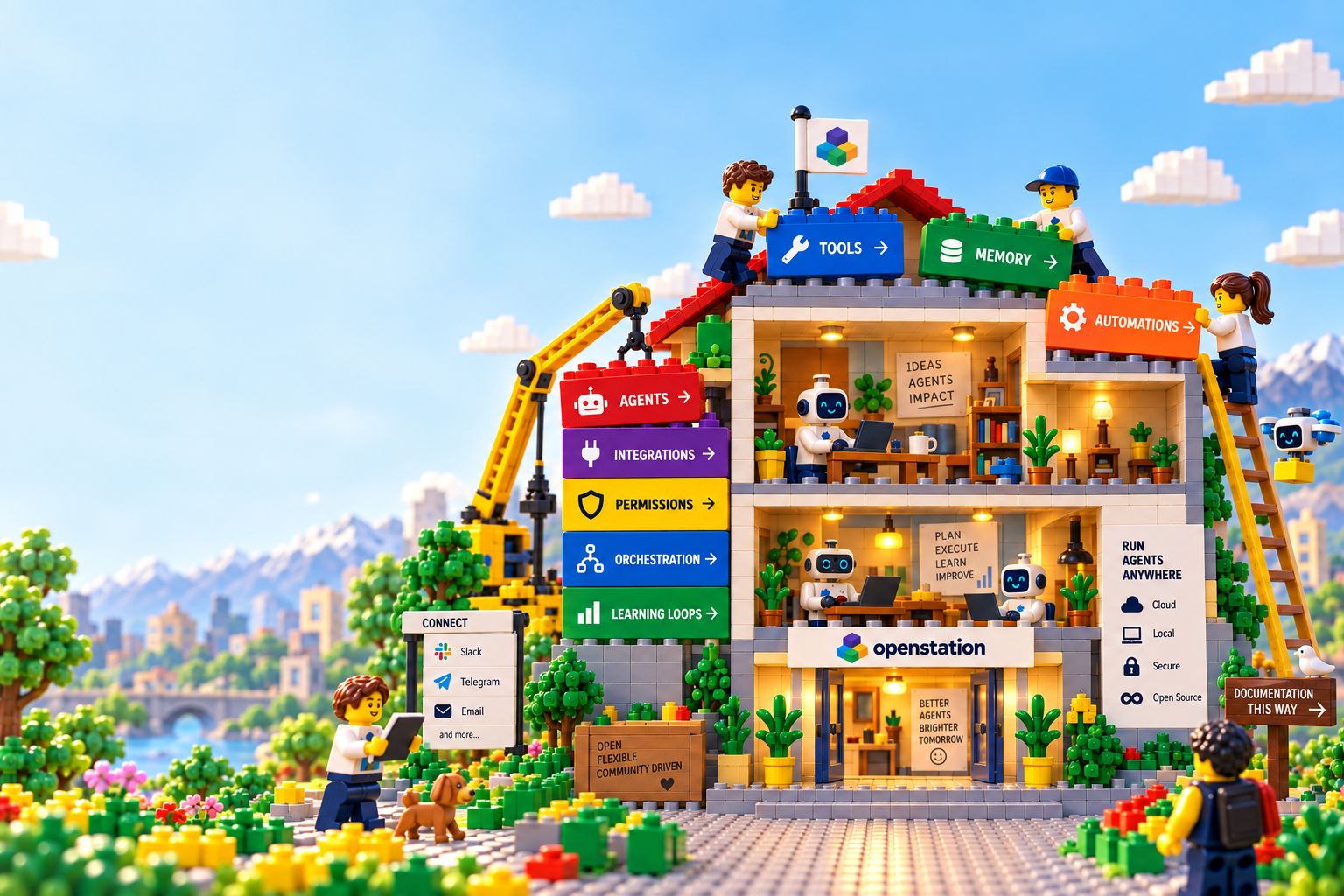
Features
Run agents locally on your machine or remotely in isolated environments. OpenStation provides the execution and security layer around the agent while keeping the underlying agent runtime flexible.
How it runs →
Make your agents available to teammates, external users, and other AI agents through shared channels and integrations. Bring their capabilities into Slack, Telegram, email, and collaborative workflows. Share specialized agents across your organization or with customers, so their knowledge and tools are available where people and other agents already work.
Channels and integrations →
Control which services your agents can access and who can use their capabilities. Assign roles and access policies that match each agent’s responsibilities, with different permissions for teams, external users, and other agents. Keep access explicit and reviewable as your AI team grows.
Permissions and access →
Agents maintain a persistent, Git-friendly second brain that survives across sessions and environments. Knowledge, decisions, context, and artifacts become part of a transparent workspace that can be inspected, versioned, edited, and shared — instead of disappearing inside individual conversations.
Workspaces and memory →
Agents don’t have to wait for someone to start a conversation. They can run on schedules or react to events from connected systems, enabling persistent workflows such as monitoring, research, support, development, and operational automation.
Schedules and triggers →
Connect agents to services without putting credentials in their instructions or tracked configuration. Load secrets from local environment files, encrypted files, or AWS Secrets Manager, with credentials scoped to each workspace. Keep service connections configurable as you move agents between environments.
Managing secrets →Use cases

Turn queued tasks into implementations, tests, and pull requests. Separate agents build and verify; humans control what merges.

Collect reports from Slack, deduplicate issues, investigate against docs and code, and independently audit conclusions.

Build blind cases from resolved work, score agent outputs against held-out answers, and turn failures into approved improvements to agent instructions, knowledge, and code.

Build teams of specialized agents that research, implement, and review work together. Coordinate handoffs through shared artifacts and triggers, with distinct responsibilities and permissions.
Documentation
Each primitive stays small enough for humans to inspect and for agents to use directly.
Quick start
Install Bun and authenticate the Claude Code CLI first. The CLI is not published to npm yet, so run it from the repository.
git clone https://github.com/leonprou/openstation.git
cd openstation
bun install
bun packages/cli/src/index.ts init
bun packages/cli/src/index.ts create my-space
bun packages/cli/src/index.ts my-space devPrinciples
Models change quickly. The station keeps the environment portable.
Readable files make memory inspectable, versionable, and agent-friendly.
Powerful agents need clear access boundaries and auditable grants.
Run close to your own machine, then move online for persistence.
The idea
Most AI agents today start with a prompt and end with a session. OpenStation provides the infrastructure around the model that lets an agent keep working: execution, memory, communication, permissions, orchestration, automation, and learning.